
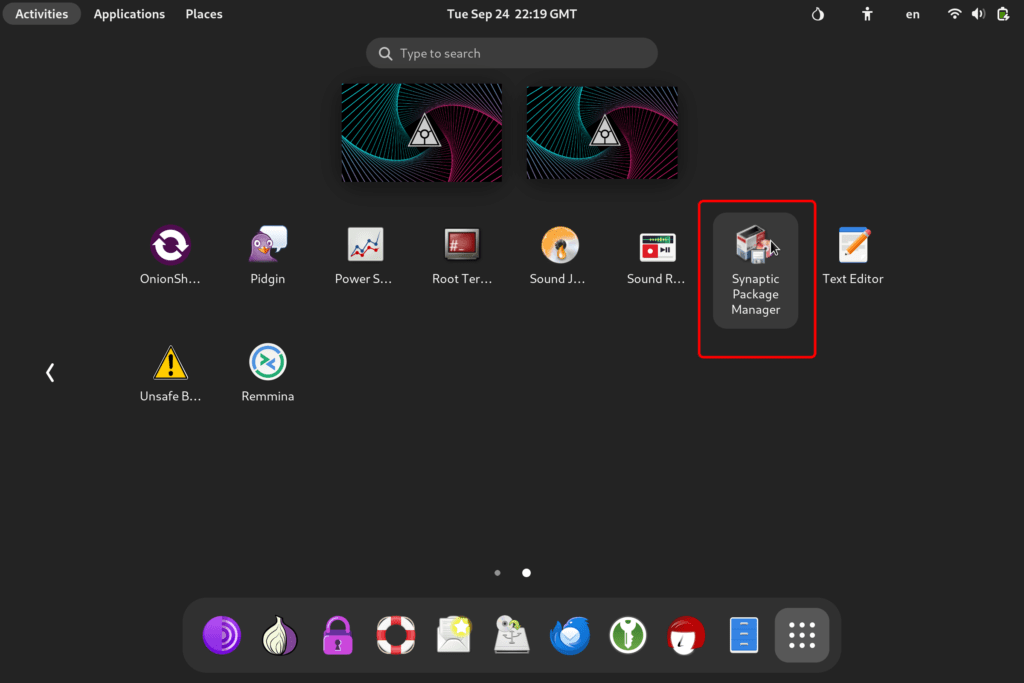
1. Open Synaptic Package Manager
Access the “Synaptic Manager” from your applications menu. Here, we will find and access all pre-installed app repositories to locate the official version of Remmina software.
2. Select All Remmina Packages
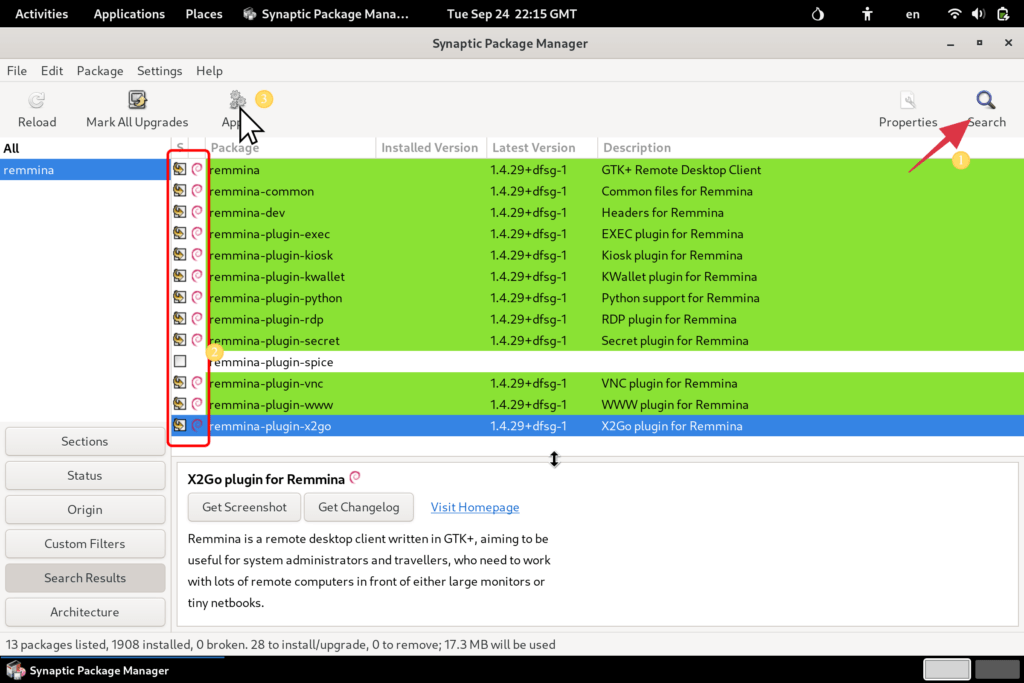
For maximum compatibility, download and install all Remmina packages. Check all available packages from the repositories.
- Search For “Remmina”
- Select all available checkboxes.
- Select “Apply” to install.
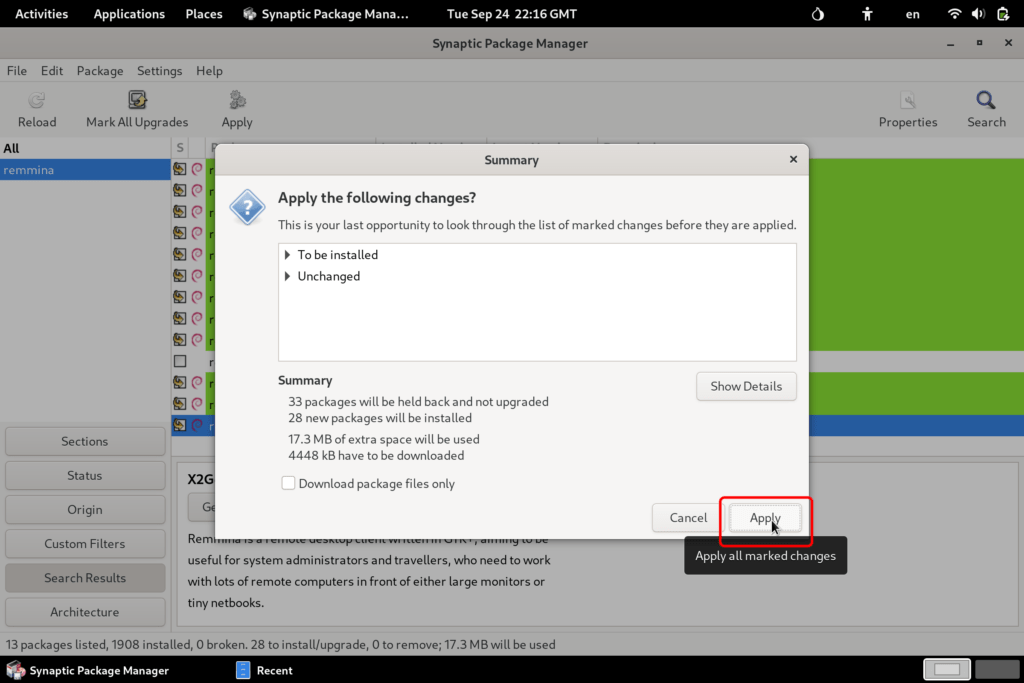
3. Select Apply
Apply and confirm the installation process.
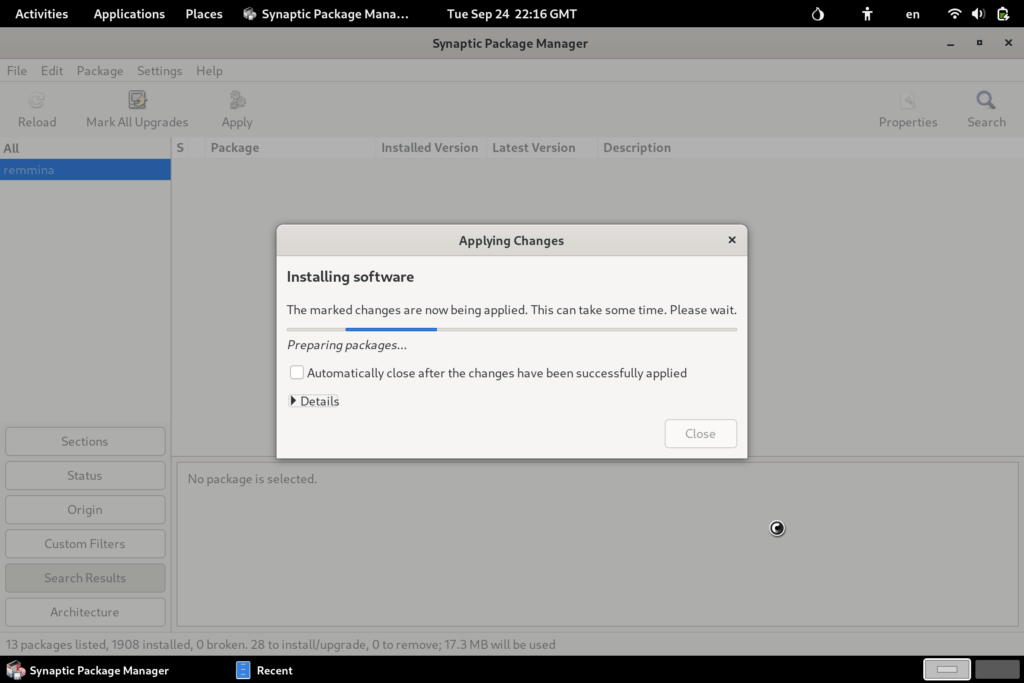
4. Wait for install
5. Open Remmina
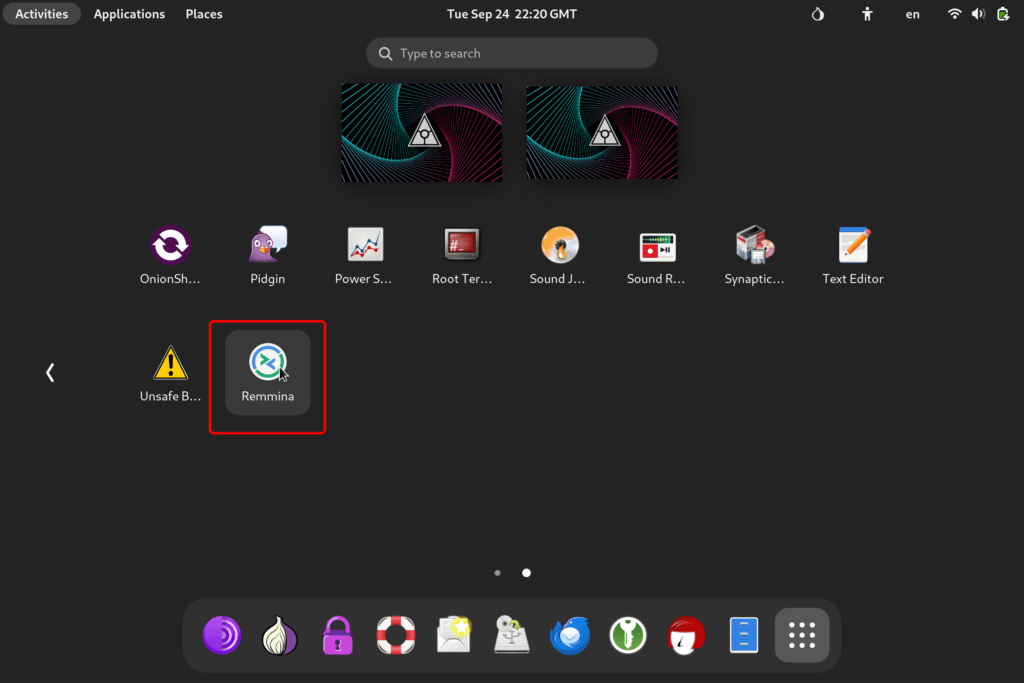
Remmina will now be available in your Zero Trace Pen app drawer.
6. Configure Your RDP
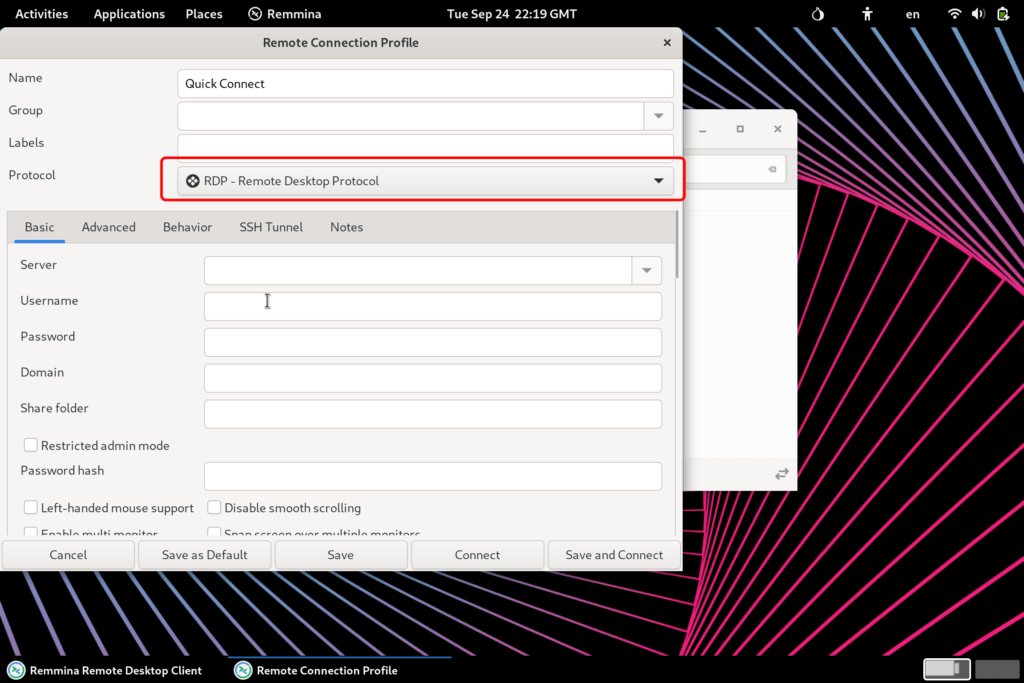
From the dropdown protocol switcher, select RDP and input your credentials.
Leave a Reply