
1. Open Up Your App Repos
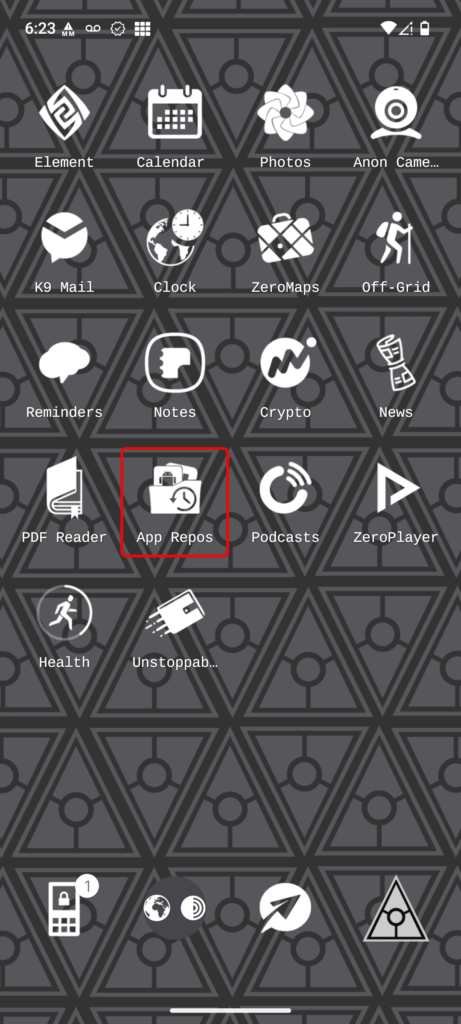
To set up RDP, it is recommended to utilize open-source software instead of options available on the Play Store. Begin by accessing your “App Repos.”
2. Search For aFreeRDP
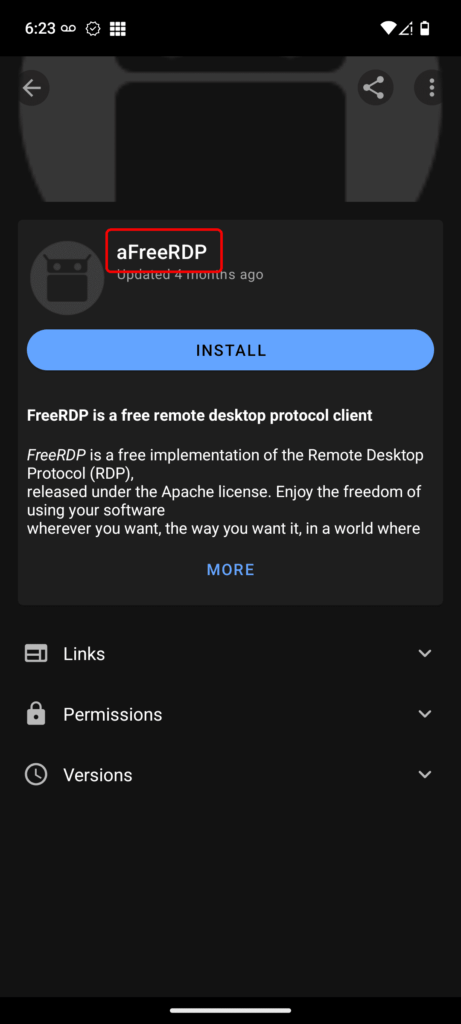
Search for and download the application aFreeRDP. Complete the installation process.
3. Open Application
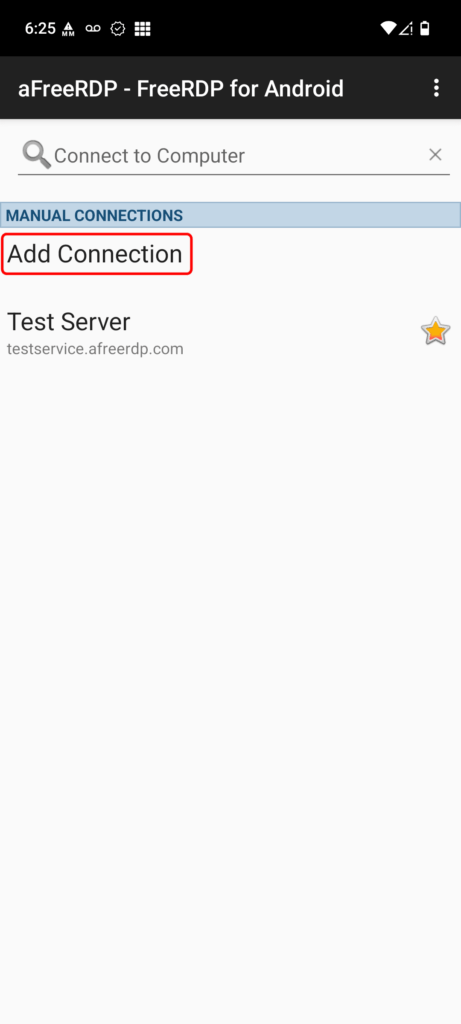
Upon opening the app, select “Add Connection” to configure your RDP settings.
Leave a Reply