
To remove an email account from K-9 Mail do the following.
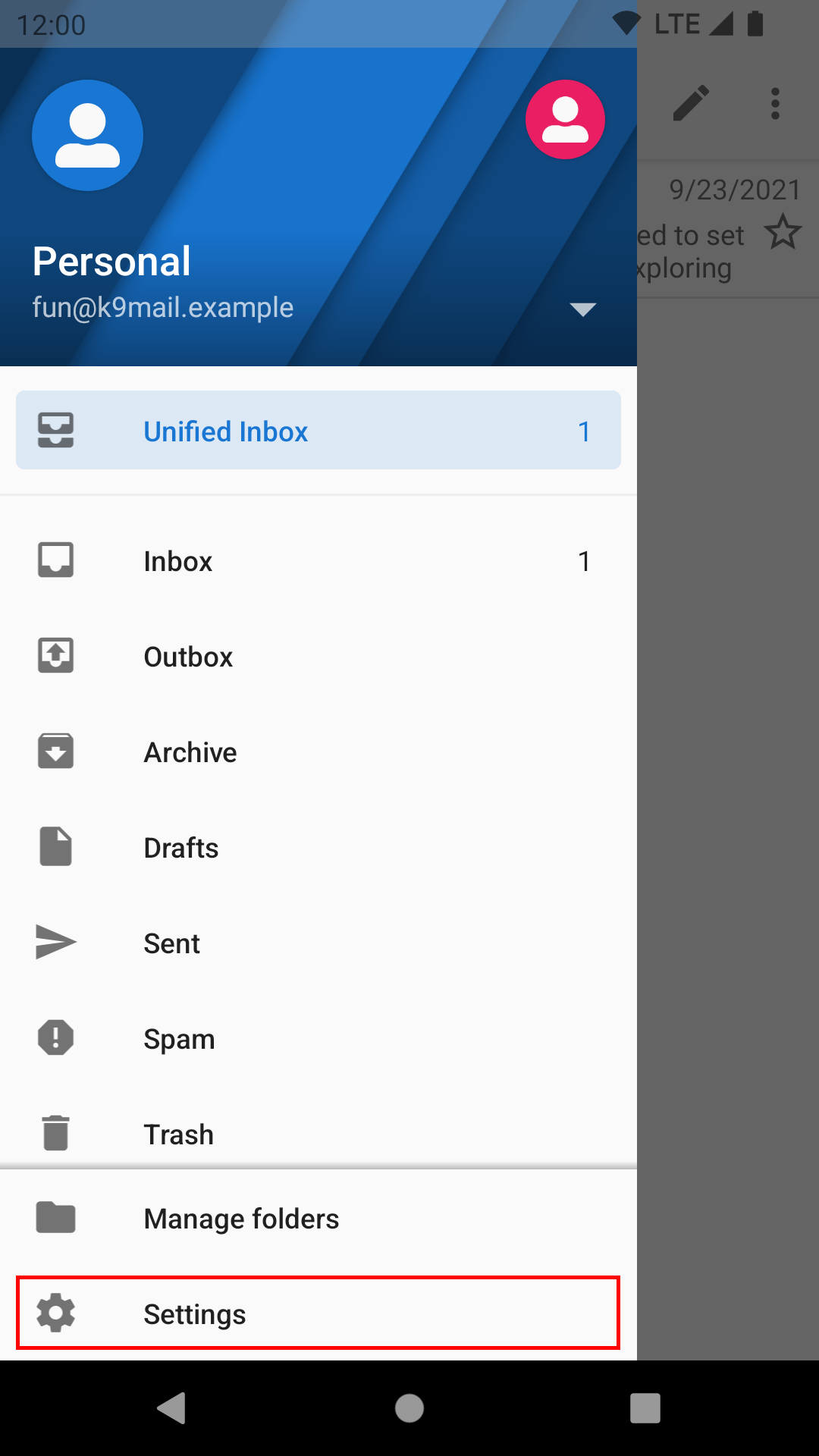
- Go the settings screen by opening the side drawer and selecting “Settings”.
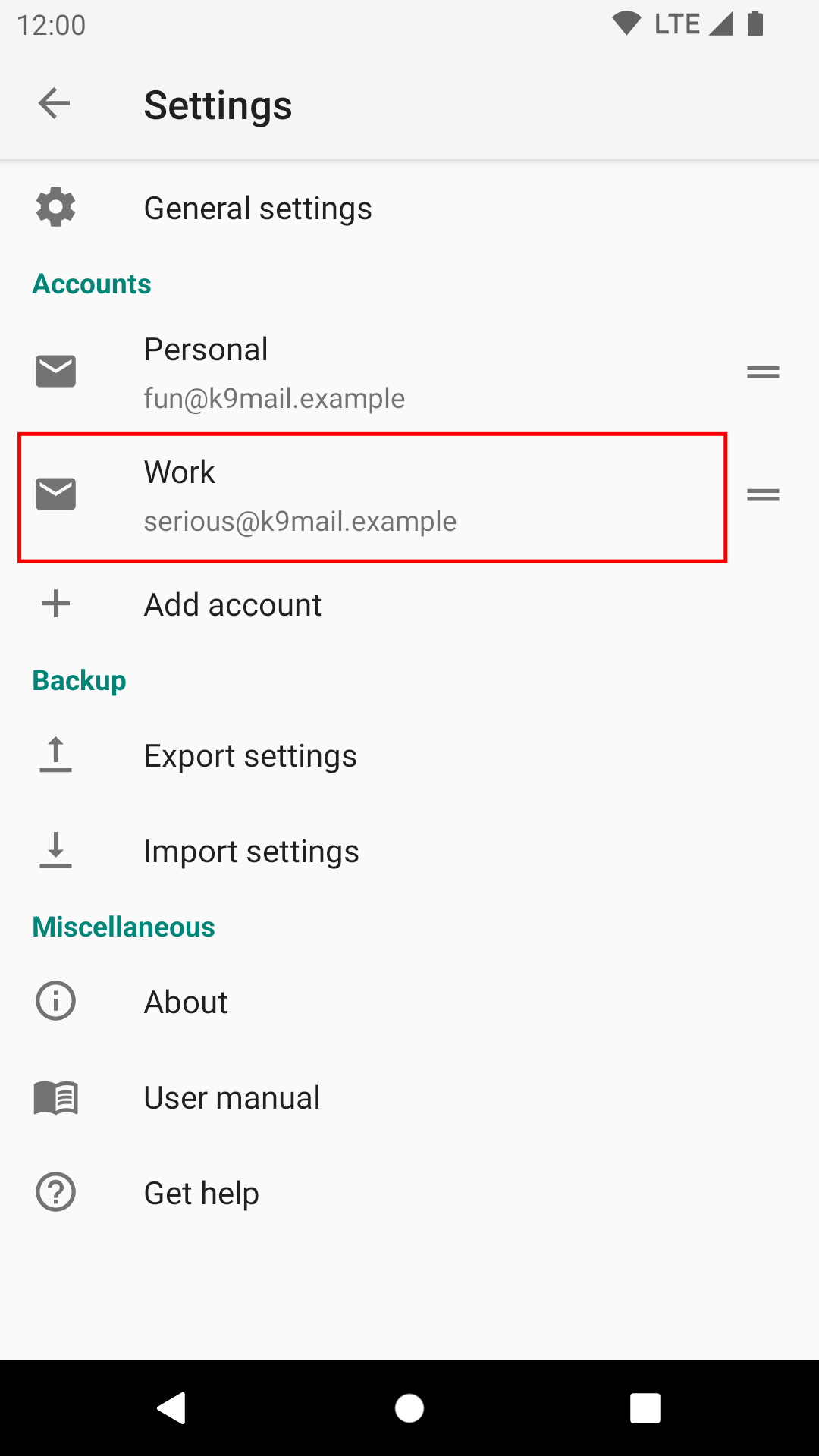
- Select the account that you want to delete.
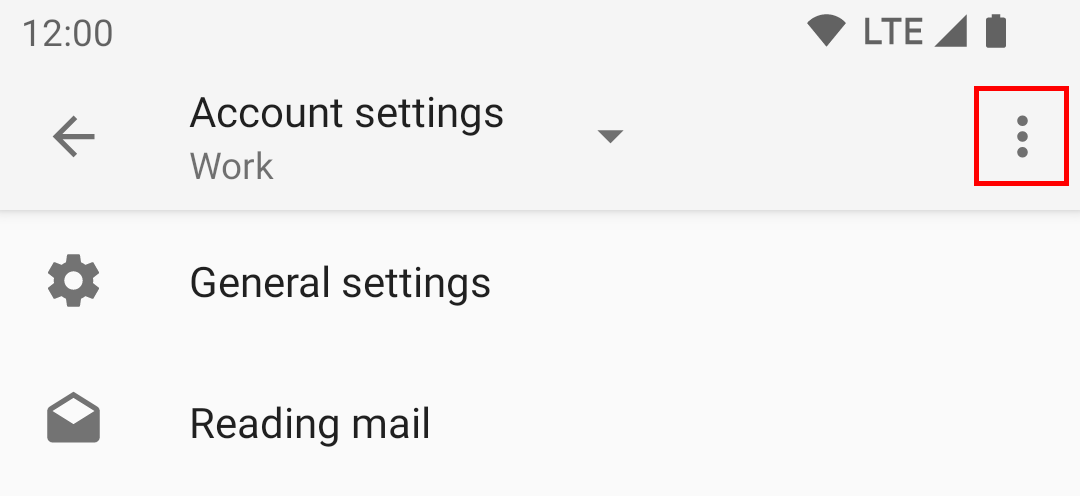
- Select the menu icon in the top corner.
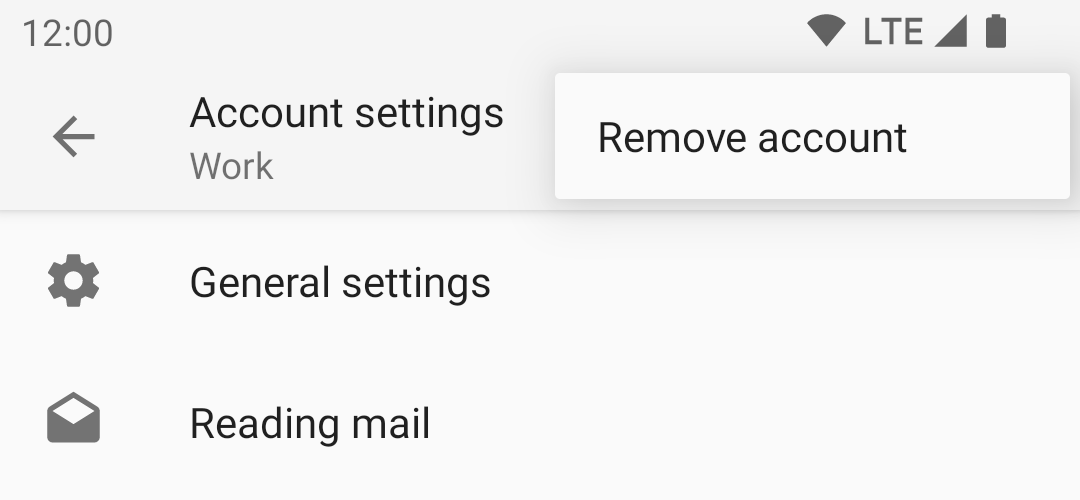
- Select the option “Remove account” from the menu.
- Press “OK” to confirm the removal. This cannot be undone.
If you remove the only account, you will return to the initial welcome screen and be prompted
to set up a new account.
Leave a Reply